JavaScript
<script>
'use strict';
document.addEventListener("DOMContentLoaded", () => {
/*----------------------------------------------------------------
バナー(MVの高さを超えたら表示) START v1.0.0
----------------------------------------------------------------*/
/*------------- 変数定義 【変更可能】 START -------------*/
const topMVClass = '.mv_custom'; /* MVクラス */
const subPageMVClass = '.sub-page-custom'; /* 下層MVクラス */
const sectionAboveMVClass = '.xxxxxxxxxx'; /* MV上のクラス(未入力可) */
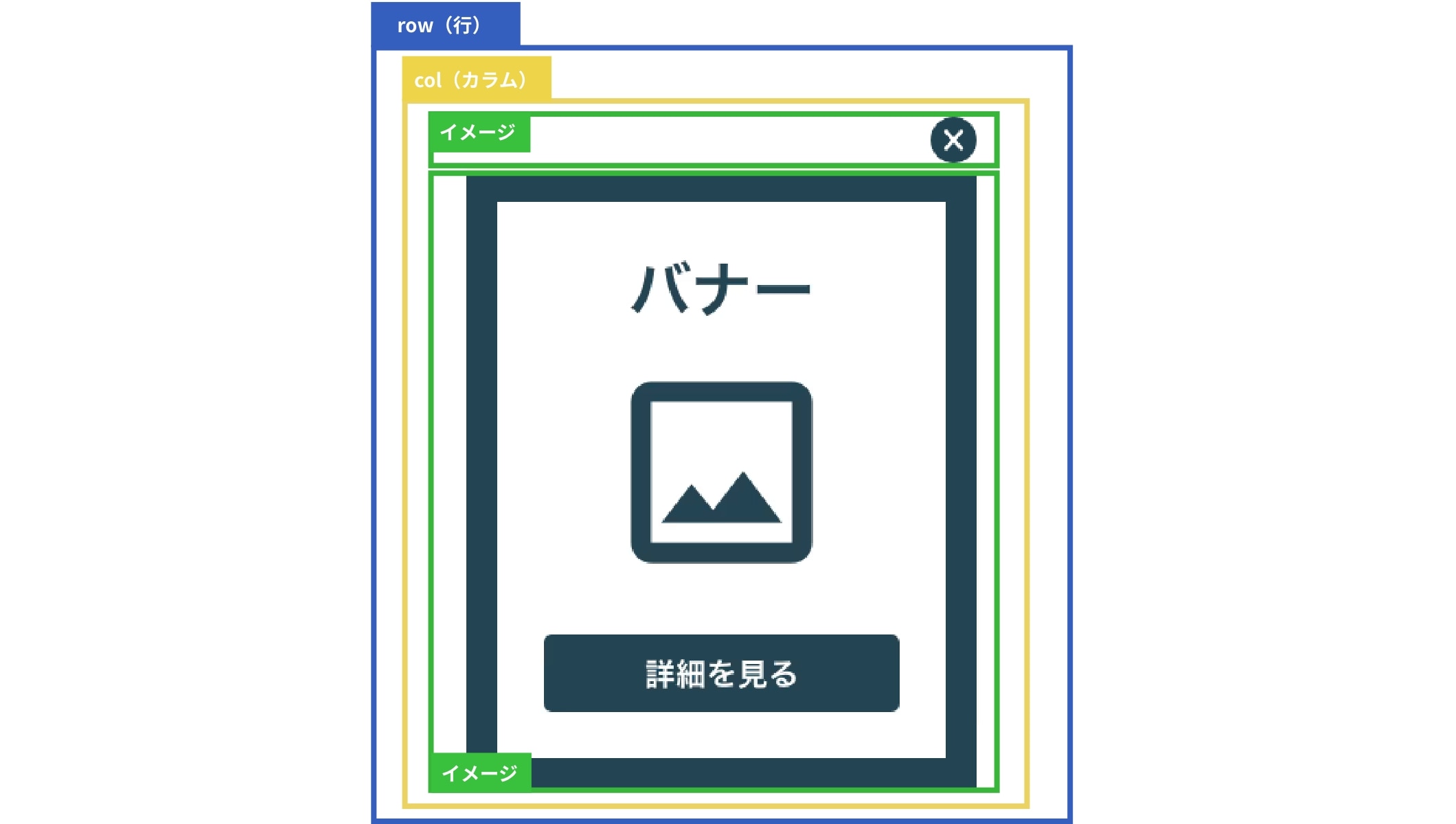
const bannerSelector = '.js-banner04_row'; /* バナーのRowクラス */
const cookieAction = false; /* 一定時間バナー非表示(ON:true) */
const hideDuration = 30 * 60 * 1000; /* バナー非表示期間(1分) */
const footerAction = false; /* フッターの手前でバナーを停止(ON:true) */
const footerSelectors = ['.ft_custom01', '.ft_hoge']; /* フッタークラス(2種類目未入力可) */
/*------------- 変数定義 【変更可能】 END -------------*/
const banner04Row = document.querySelector(bannerSelector);
const banner04CloseButton = document.querySelector('.js-banner_close_img img');
const mainVisual = document.querySelector(topMVClass) || document.querySelector(subPageMVClass);
const mvHeight = mainVisual ? mainVisual.offsetHeight : 0;
const sectionAboveMV = document.querySelector(sectionAboveMVClass);
const sectionAboveMVHeight = sectionAboveMV ? sectionAboveMV.offsetHeight : 0;
const totalHeight = mvHeight + sectionAboveMVHeight;
/* ---------------------------
一定期間バナーの再表示を禁止
--------------------------- */
/* クッキー設定関数 */
function setCookie(name, value, minutes) {
const date = new Date();
date.setTime(date.getTime() + (minutes * 60 * 1000));
const expires = "expires=" + date.toUTCString();
document.cookie = name + "=" + value + ";" + expires + ";path=/";
}
/* クッキー取得関数 */
function getCookie(name) {
const nameEQ = name + "=";
const ca = document.cookie.split(';');
for(let i = 0; i < ca.length; i++) {
let c = ca[i];
while (c.charAt(0) == ' ') c = c.substring(1, c.length);
if (c.indexOf(nameEQ) == 0) return c.substring(nameEQ.length, c.length);
}
return null;
}
/* ---------------------------
MVの高さを超えたらバナーを表示
--------------------------- */
const displayBanner = () => {
if (cookieAction) {
const lastClosedTime = getCookie('bannerLastClosedTime');
const currentTime = new Date().getTime();
if (lastClosedTime && (currentTime - lastClosedTime) < hideDuration) {
return;
}
}
const scroll = window.scrollY;
if (scroll > totalHeight && !banner04Row.classList.contains('-closed')) {
banner04Row.classList.add('-visible');
} else {
banner04Row.classList.remove('-visible');
}
};
banner04CloseButton.addEventListener('click', () => {
if (banner04Row.classList.contains('-visible')) {
banner04Row.classList.remove('-visible');
banner04Row.classList.add('-closed');
if (cookieAction) {
setCookie('bannerLastClosedTime', new Date().getTime(), hideDuration / (60 * 1000));
}
}
});
/* -------------------------------
フッター上でバナーを停止
------------------------------- */
const controlBannerNearFooter = () => {
const footers = footerSelectors.map(selector => document.querySelector(selector)).filter(Boolean);
const banner = banner04Row;
if (footers.length === 0 || !banner) {
return;
}
const initialBottom = parseInt(window.getComputedStyle(banner).bottom, 10);
const checkBannerPosition = () => {
if (window.getComputedStyle(banner).display === 'none') {
return;
}
const windowHeight = window.innerHeight;
const scrollY = window.scrollY || window.pageYOffset;
footers.forEach(footer => {
const footerRect = footer.getBoundingClientRect();
if (scrollY + windowHeight - initialBottom > footerRect.top + scrollY) {
const newBottom = windowHeight - footerRect.top;
banner.style.bottom = `${newBottom + 10}px`;
} else {
banner.style.bottom = `${initialBottom}px`;
}
});
};
window.addEventListener('scroll', checkBannerPosition);
window.addEventListener('resize', checkBannerPosition);
checkBannerPosition();
const observer = new MutationObserver(() => {
checkBannerPosition();
});
observer.observe(banner, { attributes: true, attributeFilter: ['style', 'class'] });
};
window.addEventListener('scroll', displayBanner);
if (footerAction) {
controlBannerNearFooter();
}
/*----------------------------------------------------------------
バナー(MVの高さを超えたら表示) END
----------------------------------------------------------------*/
});
</script>
CSS内にデフォルトで用意されている、「JSパーツ集記述場所」の中に追加してください。
※アップセル等で見つからない場合は、LP記述欄の下などに入れてください。
/*----- バナー MVの高さを超えたら表示 START v1.0.0-----*/
//セクション・共通フッター共に使用できるよう、rowから紐づけ
.row {
&.banner04_row {
display: none;
max-width: 300px;
position: fixed;
right: 20px;
bottom: 100px;
z-index: 1000;
margin: 0;
@include breakpoint-sp {
max-width: 200px;
bottom: 70px;
}
//表示
&.-visible {
display: block;
}
// 非表示
&.-closed {
display: none;
}
.col {
padding: 0;
.component {
&.image {
margin: 0;
&.banner04_close_img {
width: auto;
position: absolute;
top: -35px;
right: 0;
z-index: 2;
img {
cursor: pointer;
max-width: 30px !important;
}
}
&.banner_img {
a {
img {
&:hover {
opacity: 1;
}
}
}
}
}
}
}
}
}
/*----- バナー MVの高さを超えたら表示 END -----*/
編集画面CSS内にデフォルトで用意されている、「//JSパーツの記述はここにお願いします」の中に追加してください。
※アップセル等で見つからない場合は、@include edit-page {}内に必ず入れてください。
/*----- バナー MVの高さを超えたら表示 START v1.0.0-----*/
&.banner04_row {
display: block;
max-width: initial;
margin: 20px auto;
position: relative;
right: initial;
bottom: initial;
z-index: initial;
border: 1px solid #000;
&::before {
content: "追従バナー";
background: #000;
color: #fff;
position: absolute;
top: -24px;
right: 0;
padding: 0 5px;
}
.col {
.component {
&.image {
&.banner04_close_img {
width: 100%;
position: relative;
top: initial;
right: initial;
z-index: initial;
margin-bottom: 10px;
img {
cursor: initial;
}
}
}
}
}
}
/*----- バナー MVの高さを超えたら表示 END -----*/